Here is the updated guidance for users within the context of creating their AI-powered digital twin:
Step 1

Answer All the Questions: To begin building your digital twin, please complete the initial personality assessment. These questions are designed to capture your unique values, storytelling style, and the specific way you interact with your children. By answering thoroughly, you provide the foundation for the AI Brain Engine, allowing the GPT module to mirror your personality and knowledge accurately from the very first interaction.
Step 2
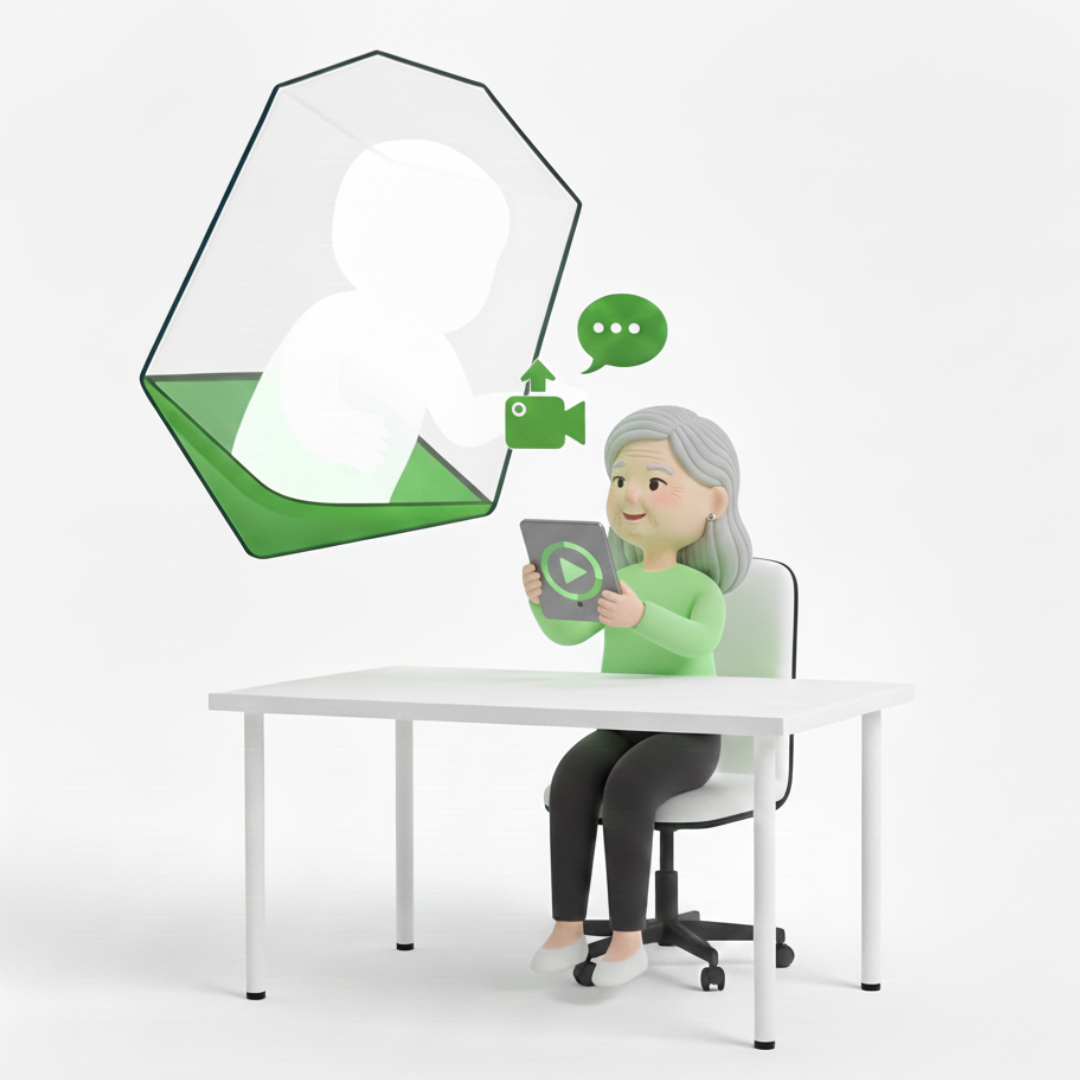
Upload Your 30-Second HD Video: Next, upload a 30-second high-definition video of yourself speaking naturally. This clip allows our engine to map your facial expressions, gestures, and physical likeness. This visual data is essential for creating a realistic digital presence that your children will recognize and feel comforted by, ensuring that your twin looks and moves just like you do while you are away.
Step 3
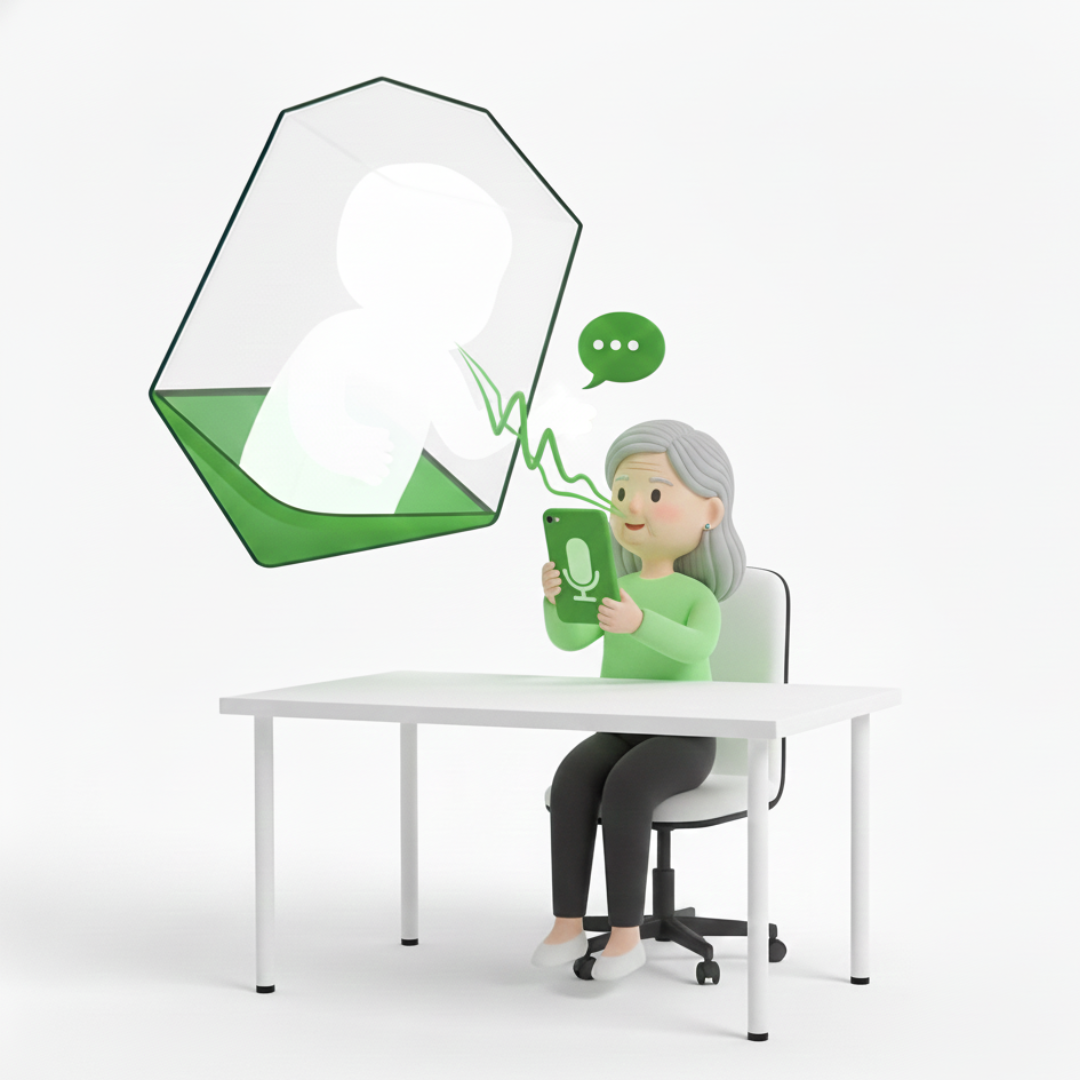
Upload Your 30-Second Audio File: Finally, provide a 30-second audio recording to calibrate your digital voice. This file helps the AI capture your specific tone, pitch, and inflection. Because our app uses an evolving AI engine, this audio base will allow your twin to narrate new stories and answer questions in a voice that sounds authentically yours, maintaining a deep emotional connection with your kids.
Step 4.
Finalize Your Twin and Start Connecting
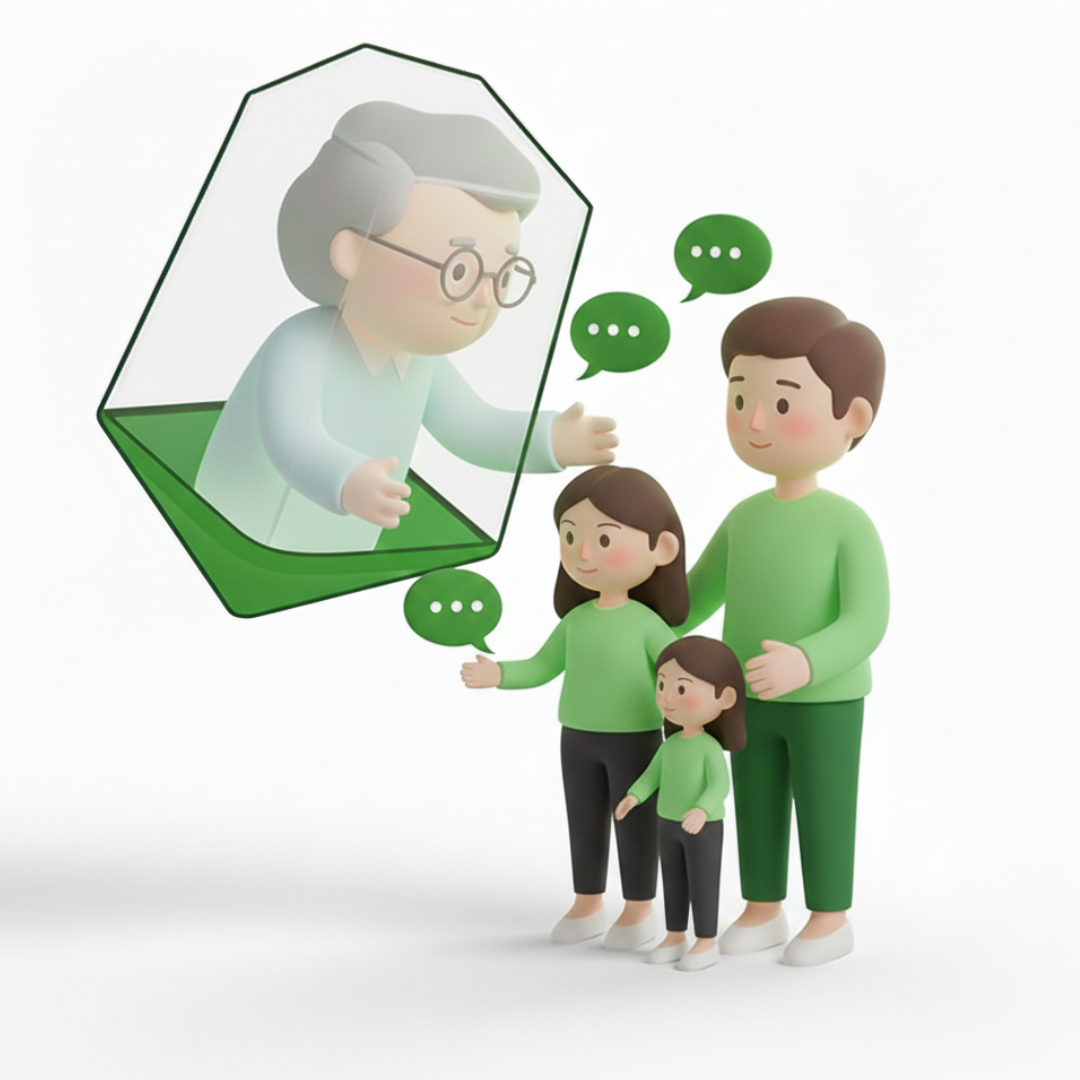
Once you have completed the steps above, you will be prompted to make a secure payment to finalize the creation of your digital twin. After the payment is processed, the AI Brain Engine will finish synthesizing your data and generate a unique Digital Twin ID. You can share this ID with your kids; they simply enter it into the app to start a video call. They can talk, ask questions, and share their day with your twin, experiencing a seamless interaction that feels exactly like they are talking to you.
© 2026 Owlpole
 Owlpole